Concentric
What it does, and why it does it that way.
Every lifting app logs a set. The differences are in what happens around that — what it assumes, what it makes you tap, and what it does with the numbers afterwards.
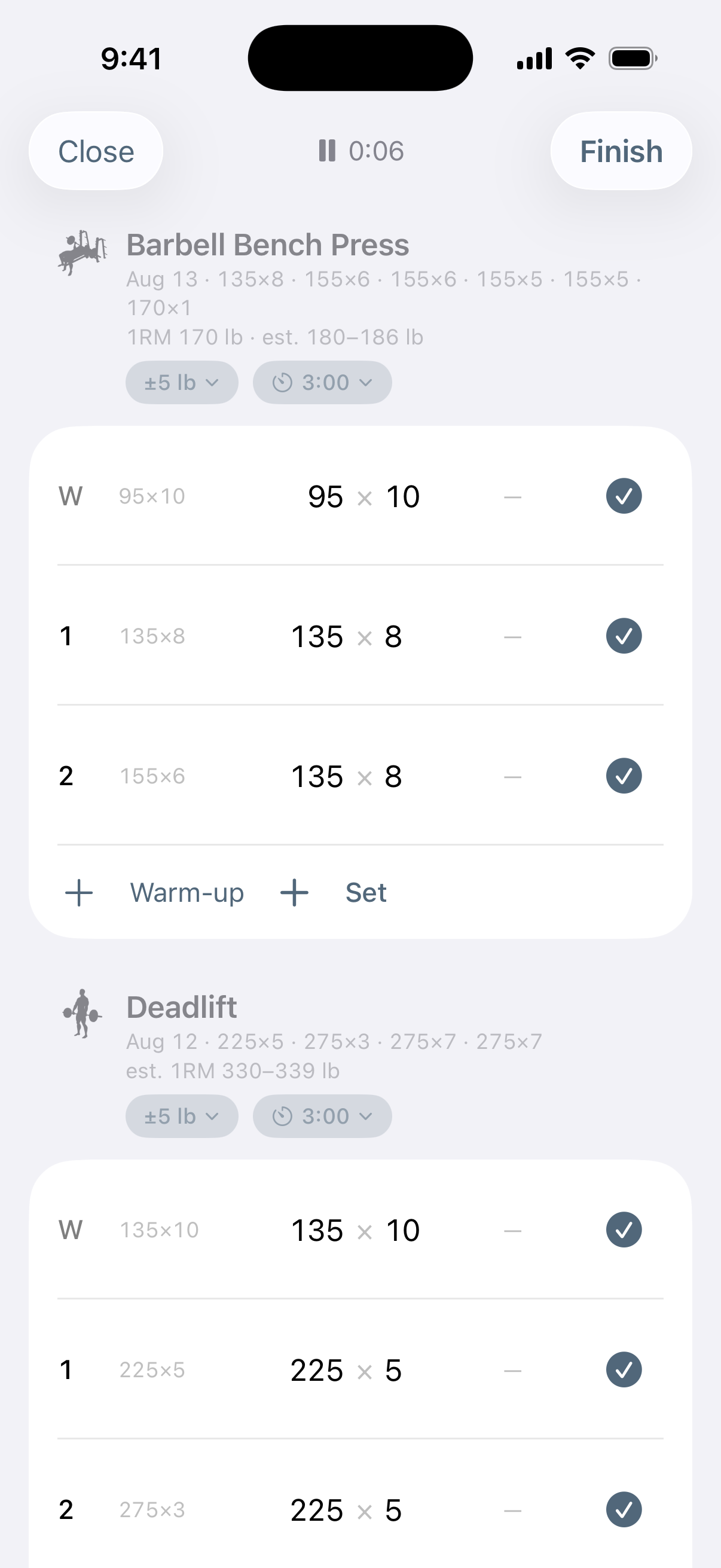
Two taps to log a set
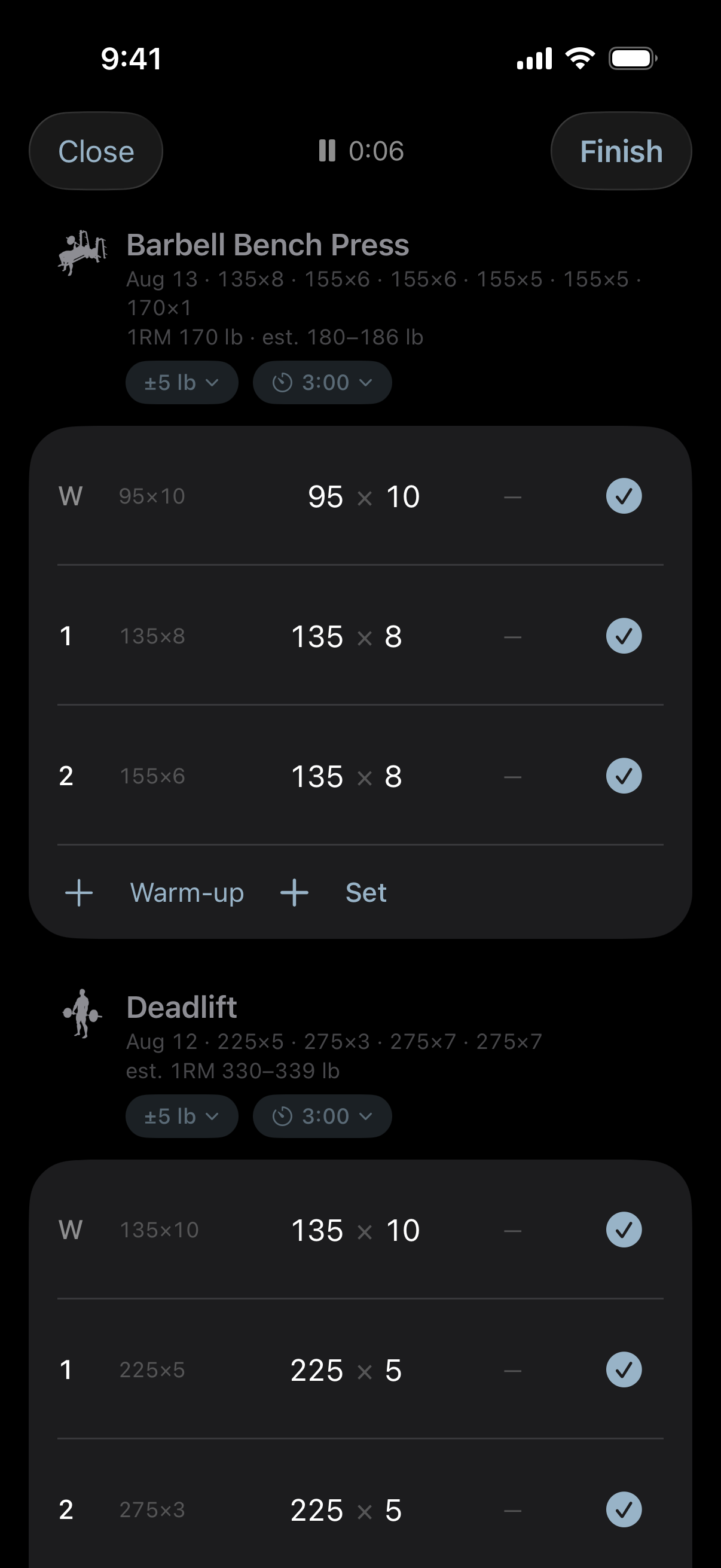
The set row carries last time's weight and reps already filled in, because the next set is usually the same as the last one. Tap the circle and it is logged; the rest timer starts on its own.
There is exactly one button on that row and it is that circle, sized for somebody who has just put a bar down. Everything else — the weight, the reps, the effort, the note — is one tap on the numbers, which opens the one place a set is edited. Rows of tiny inline steppers look faster in a screenshot and are slower in a gym.
Effort in whichever vocabulary you use
RPE and RIR are the same number said two ways, so Concentric stores one of them and renders whichever you picked. A set cannot be RPE 8 and RIR 3 at once, because there is no second field to disagree with the first.
Ranges survive too. If your old spreadsheet says "RIR 1–2", it stays "RIR 1–2" — and reads as RPE 8–9 if that is your scale.
Rest and increments belong to the exercise
How long you rest and how far the ± moves the weight are facts about the movement, not about the phone. A heavy squat rests three minutes and jumps 10; a lateral raise rests one and jumps 5. Set it once per exercise and it follows you to the Watch.
Unset means "work it out", never "5" — the smallest plate pair is 5 lb or 2.5 kg, and a default of 5 hands a metric lifter an American increment.
Where you stand, and what the number rests on
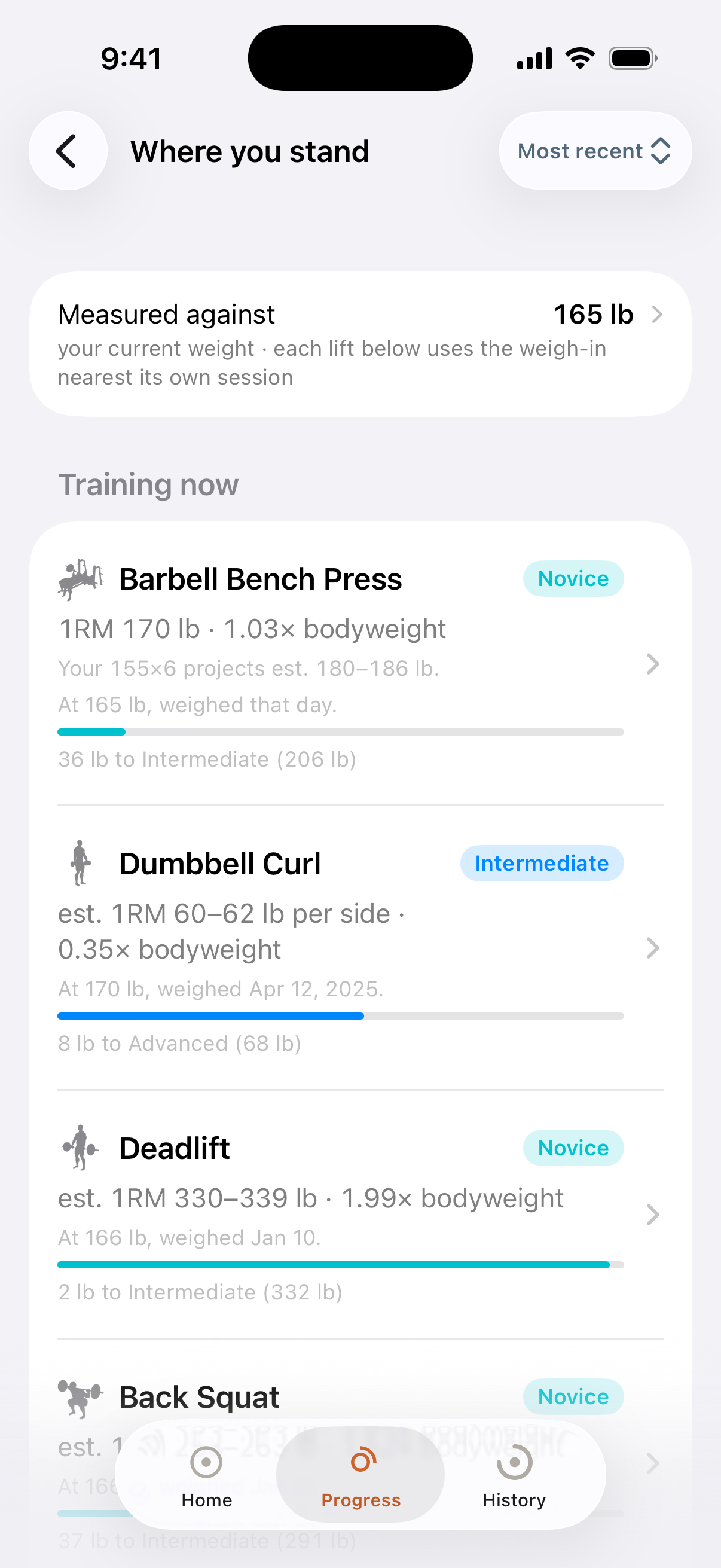
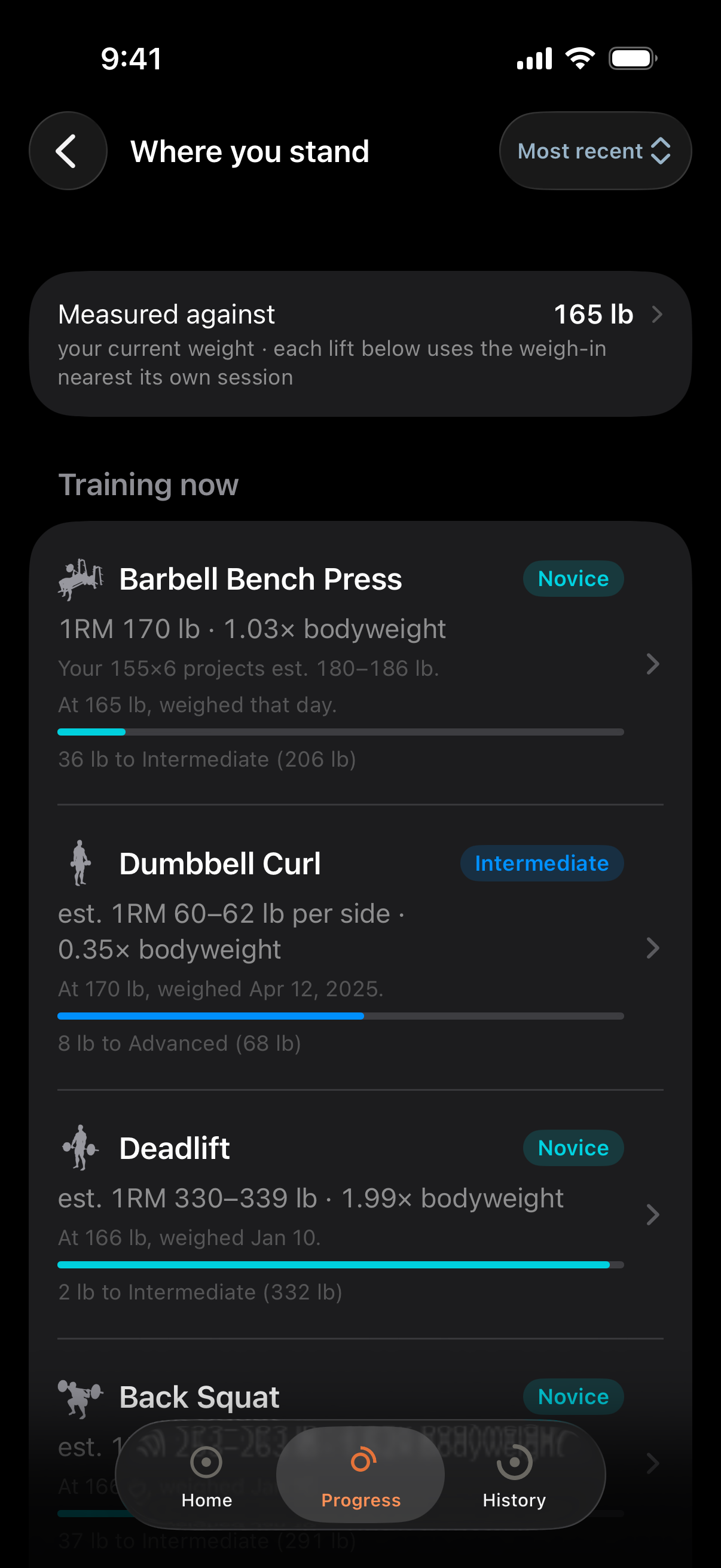
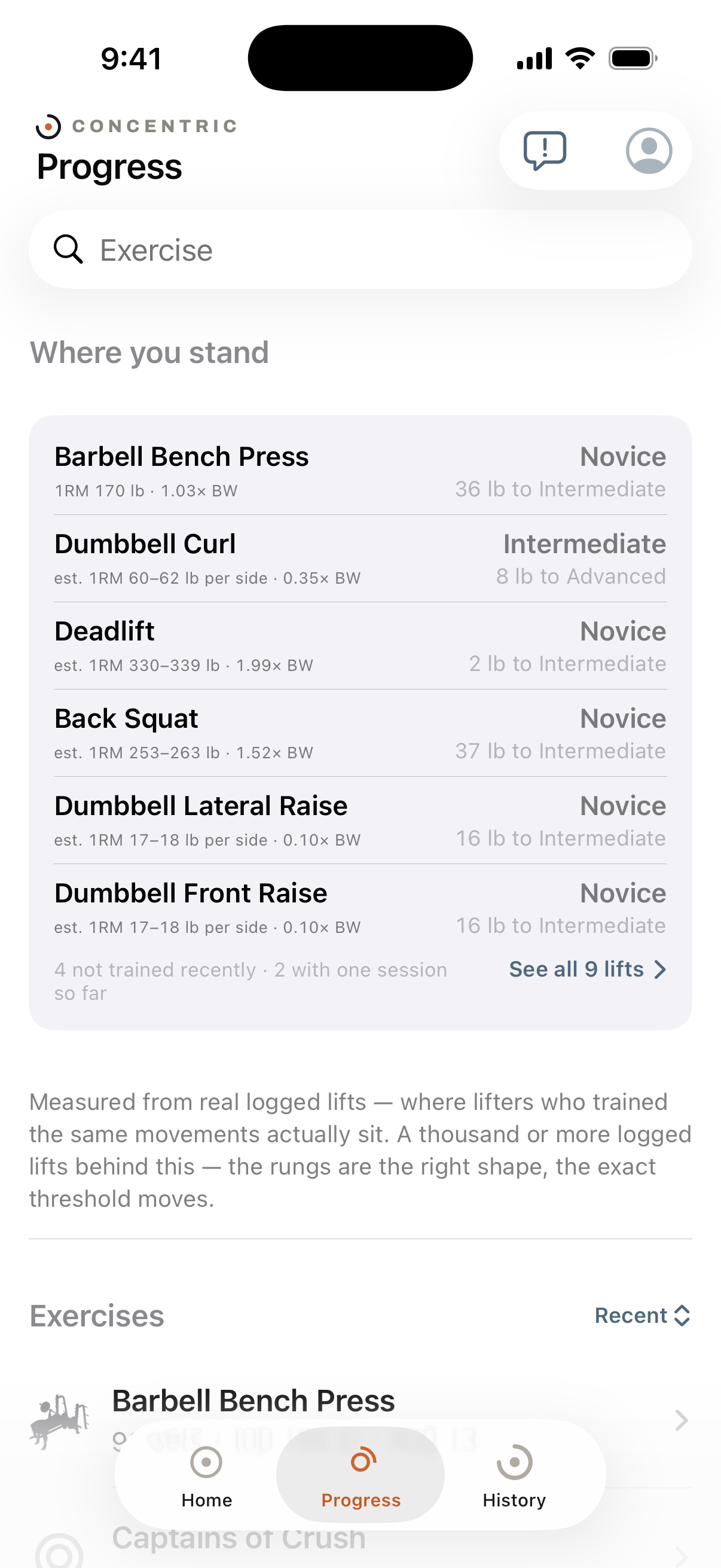
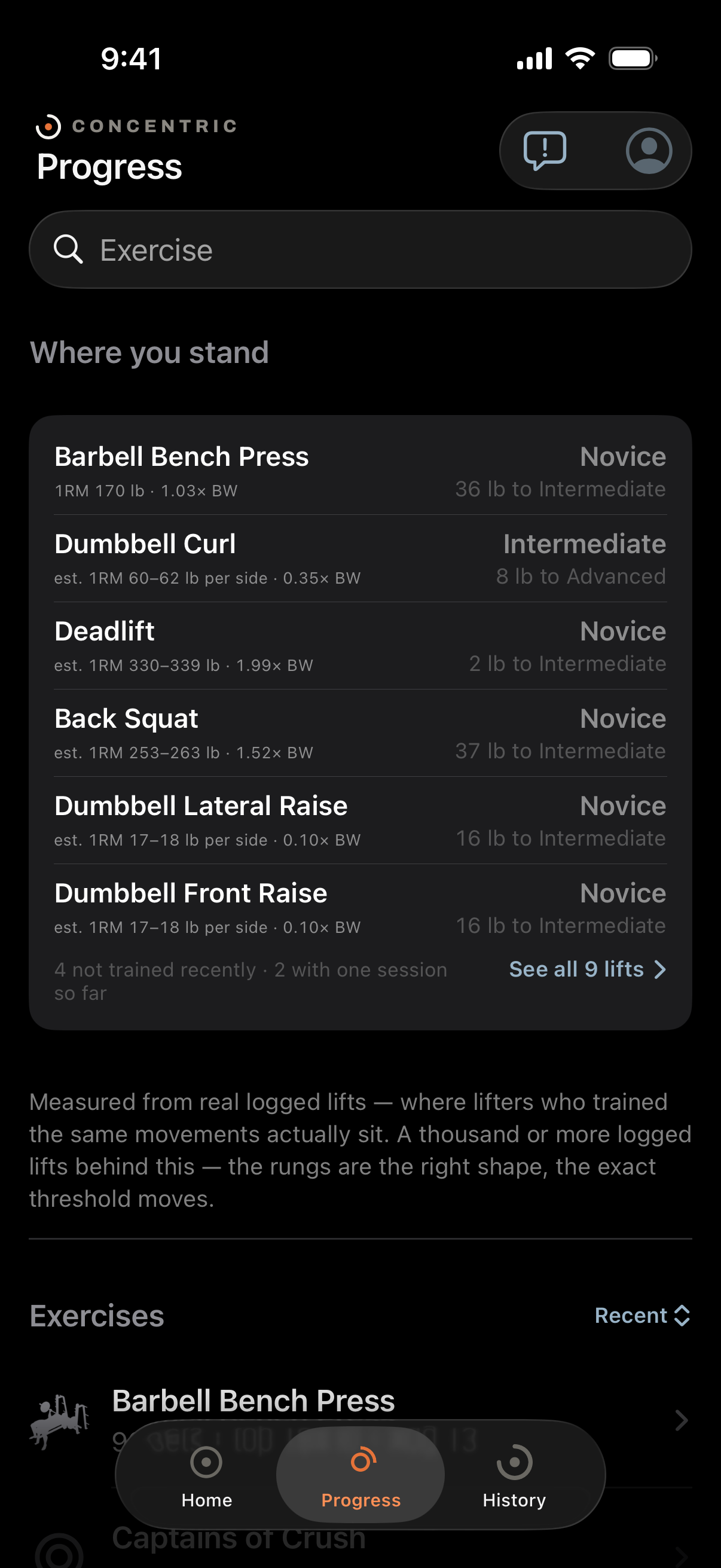
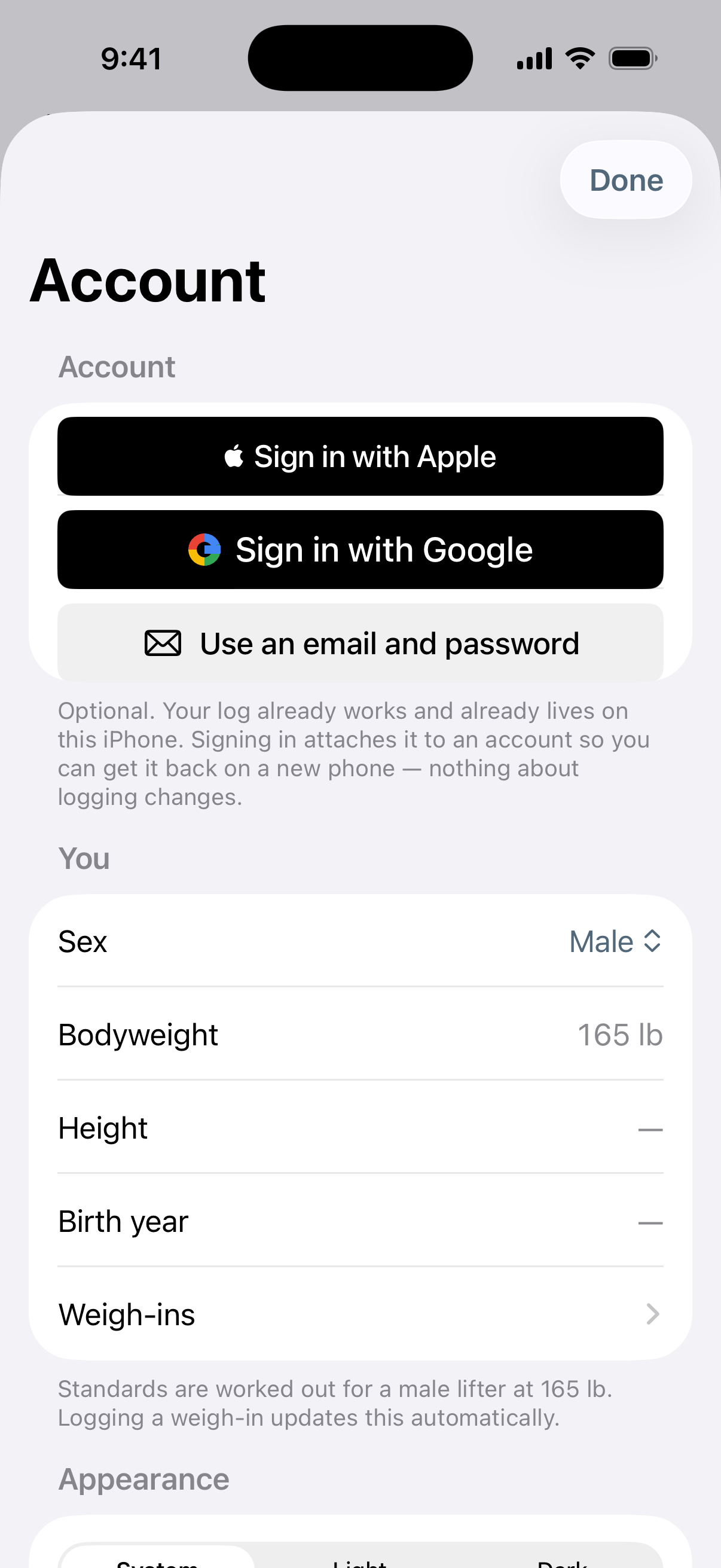
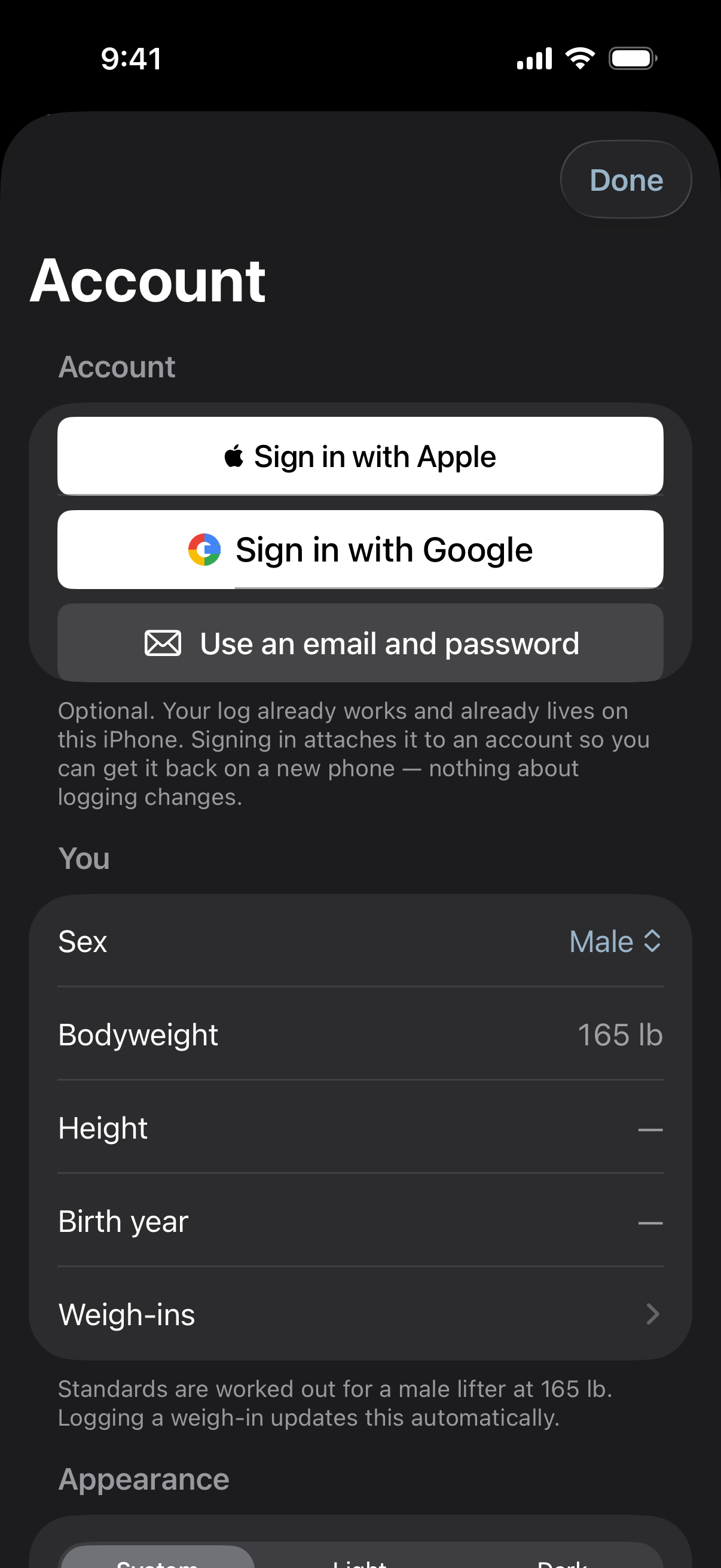
Beginner through Elite on each lift, for your sex and your bodyweight — and the bodyweight is the one you actually weighed at the time, not today's, because a lift from March should be judged against the March you.
Each row shows how many lifts its numbers were fitted to, so a rung backed by a million logged sets does not look identical to one backed by thirty. Where the sample is too thin to mean anything, Concentric shows you nothing rather than a rung: a five-point scale fitted to thirty people puts Elite at roughly the heaviest of those thirty.
Some lifts have no standing at all and say so — a gripper is a closing force rather than a mass raised against gravity, and nobody agrees what the weight on a dip belt means.
An estimated one-rep max that admits it is an estimate
Every 1RM you have not actually tested is shown as a range — 397–413 lb, not 405 lb — because the two standard formulas disagree by that much and printing one of them hides the disagreement behind a confident-looking fact.
If you have tested a single, that measurement leads and the estimate sits underneath it, along with how far off your projections have been running. A measurement is never bracketed and never hedged.
The headline figure asks what you can lift now, so it comes from the last month and falls back only when there is nothing there. Your records stay lifetime records.
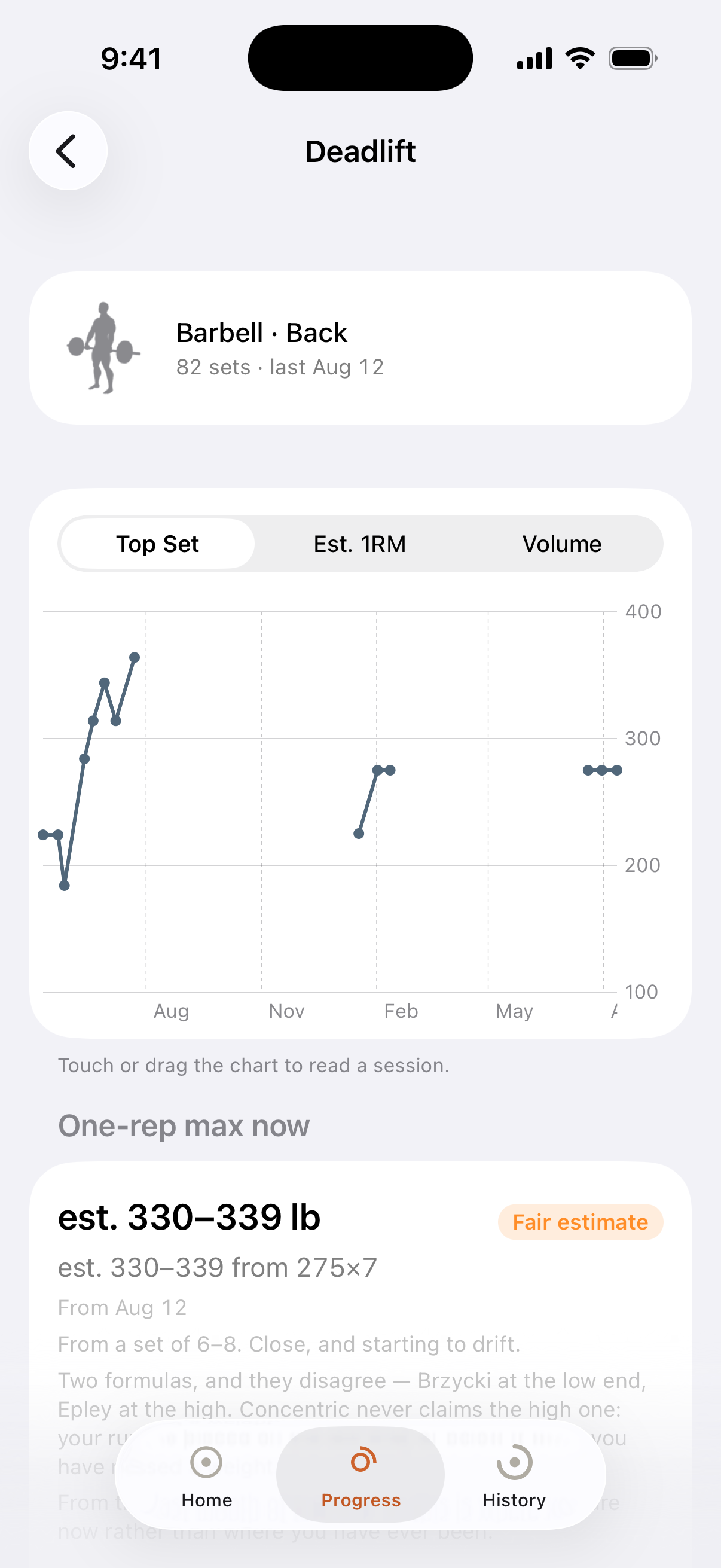
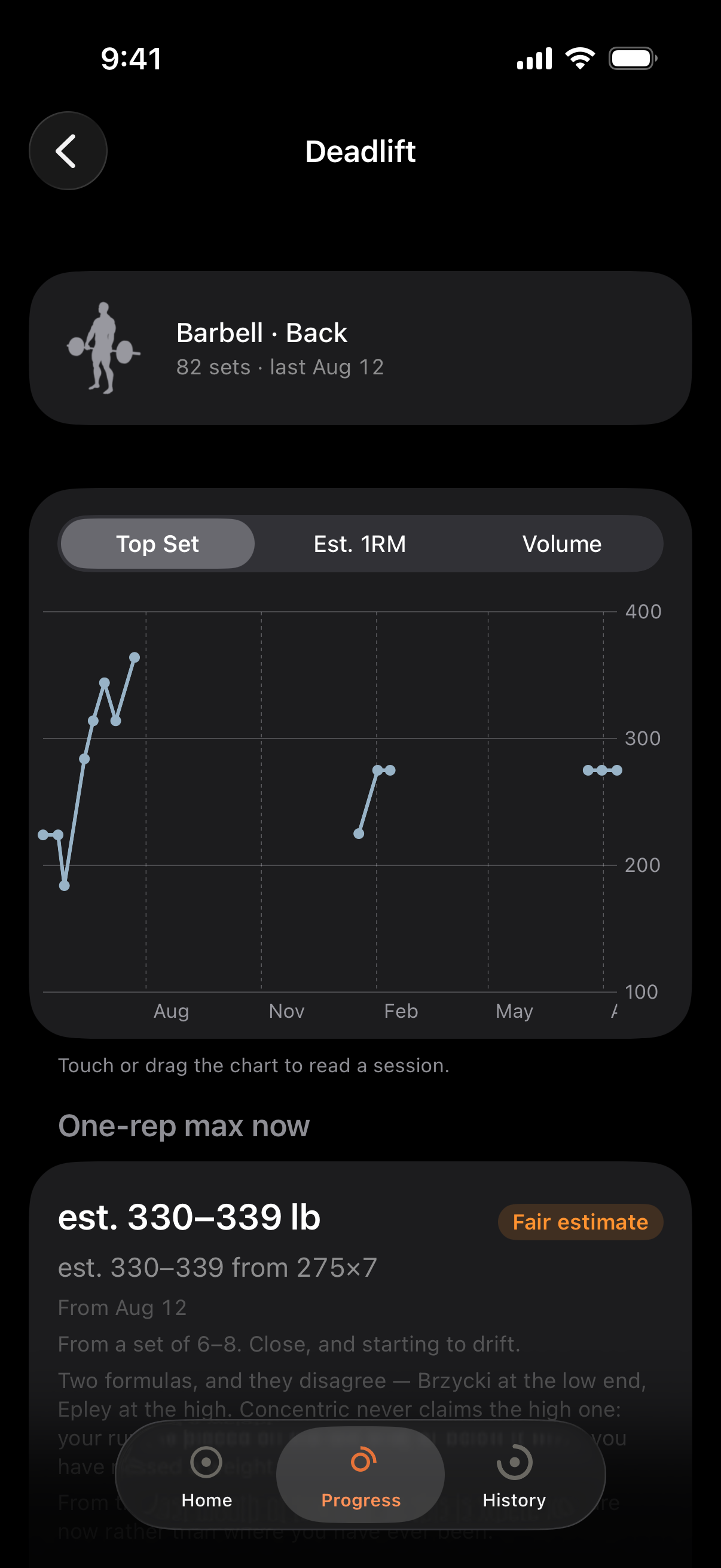
Charts you can scrub, over the log you actually have
Weight, volume and estimated 1RM per lift, with a readout that follows your finger. A five-month gap in your training shows up as a five-month gap rather than as a straight line drawn across it.
History you can correct
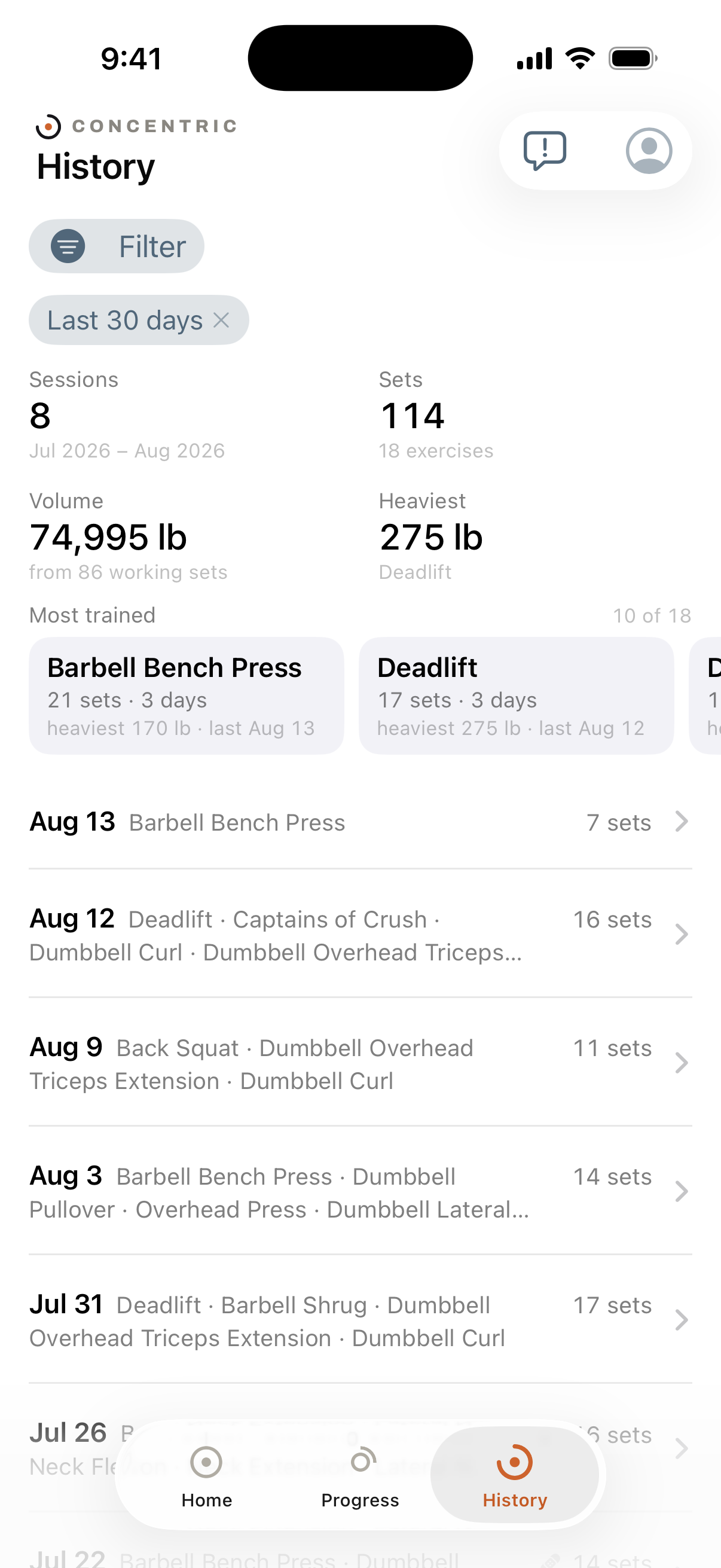
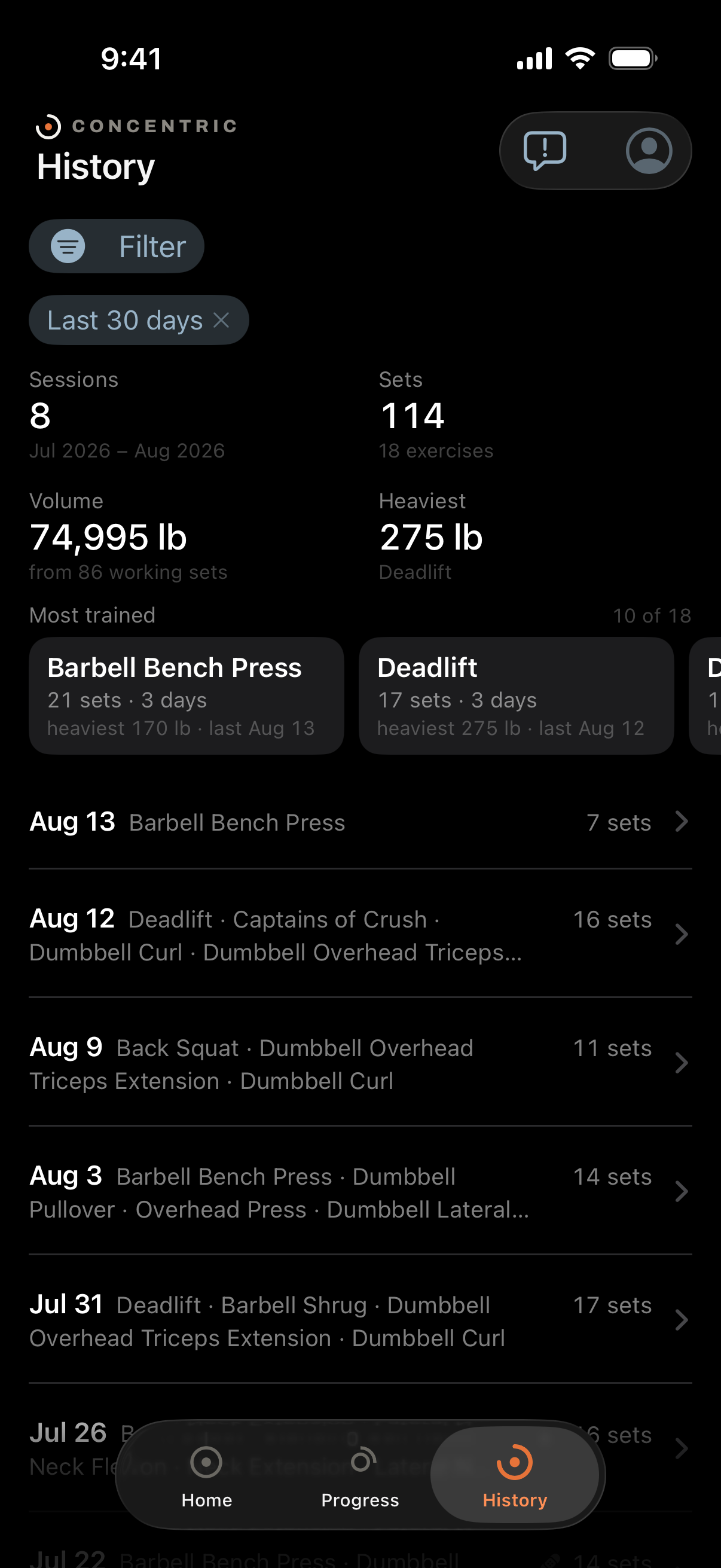
Every session, editable after the fact — because logging is retroactive and people mis-tap. Correcting a set does not restart a rest timer or re-attribute a heart rate reading; the readings happened, and which set they belong to did not change because a circle did.
Deleting a workout tells you what it is taking with it, and gives you thirty days to change your mind.
The Apple Watch is the same app, not a remote control
Log from your wrist with the phone in a locker. The session is stored on the Watch and handed over when the two are next together, so a workout survives a dead phone, a flat Watch put straight on a charger, and a gym with no signal.
Heart rate is recorded through the workout and attached to the sets it happened during — including the drop in the minute after a hard set, which is left blank rather than shown as zero when there is nothing to measure.
A chest strap, if you use one
Any monitor speaking standard Bluetooth heart rate works — a Polar H10 or anything else on the same profile — and the phone can stay in your pocket while it records.
When a strap and a Watch are both present the app picks one and reports its numbers, rather than averaging two sensors that disagree by fifteen beats under grip load. Both are still stored, because which one was right is worth being able to answer.
Your spreadsheet comes in, and comes back out
Import a CSV and Concentric reads the mess: names that drifted over months, weights that are not numbers, per-side conventions that changed halfway through. It tells you what it merged and what it guessed rather than silently normalising your history.
Export writes CSV, one tap, no request to anybody. That is also your answer to what happens if you stop using it.
Bodyweight is a series
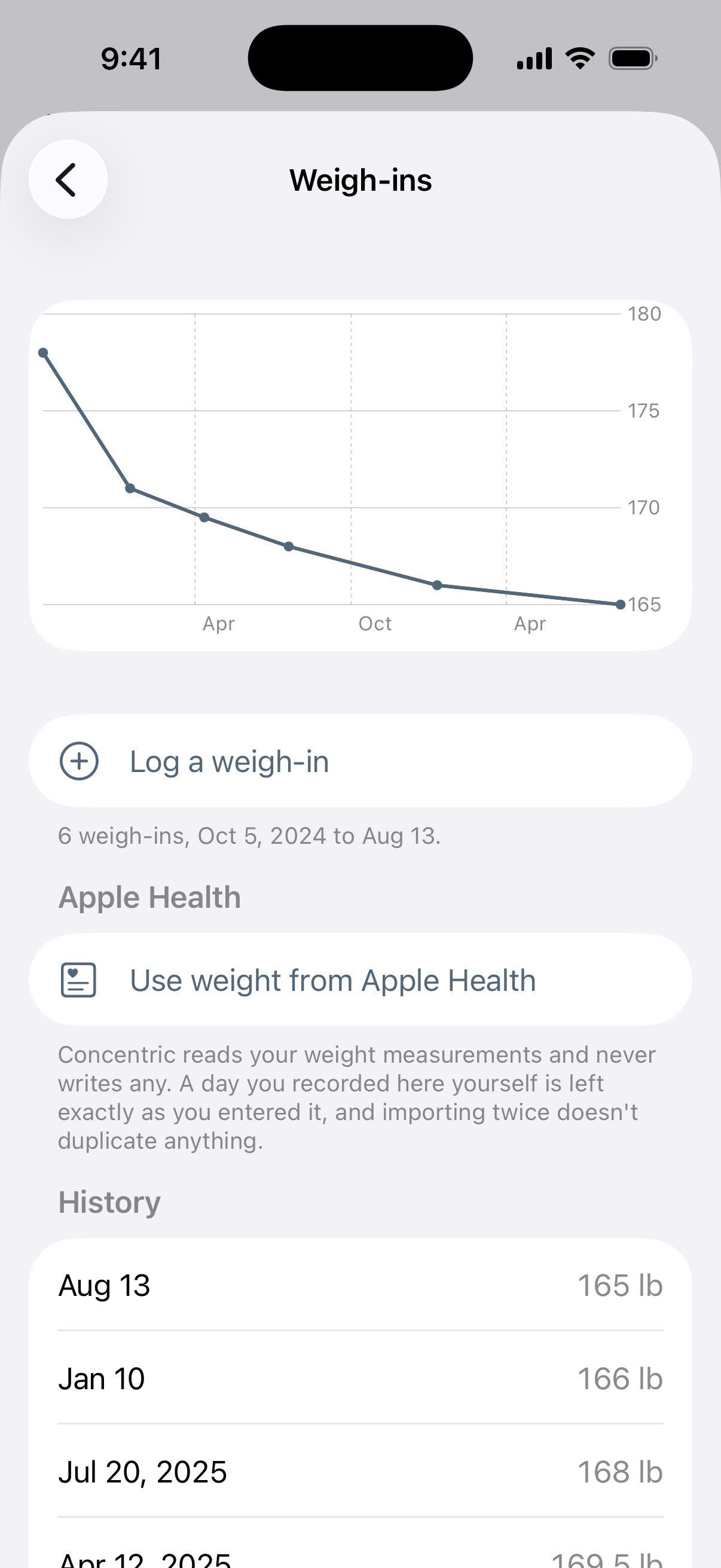
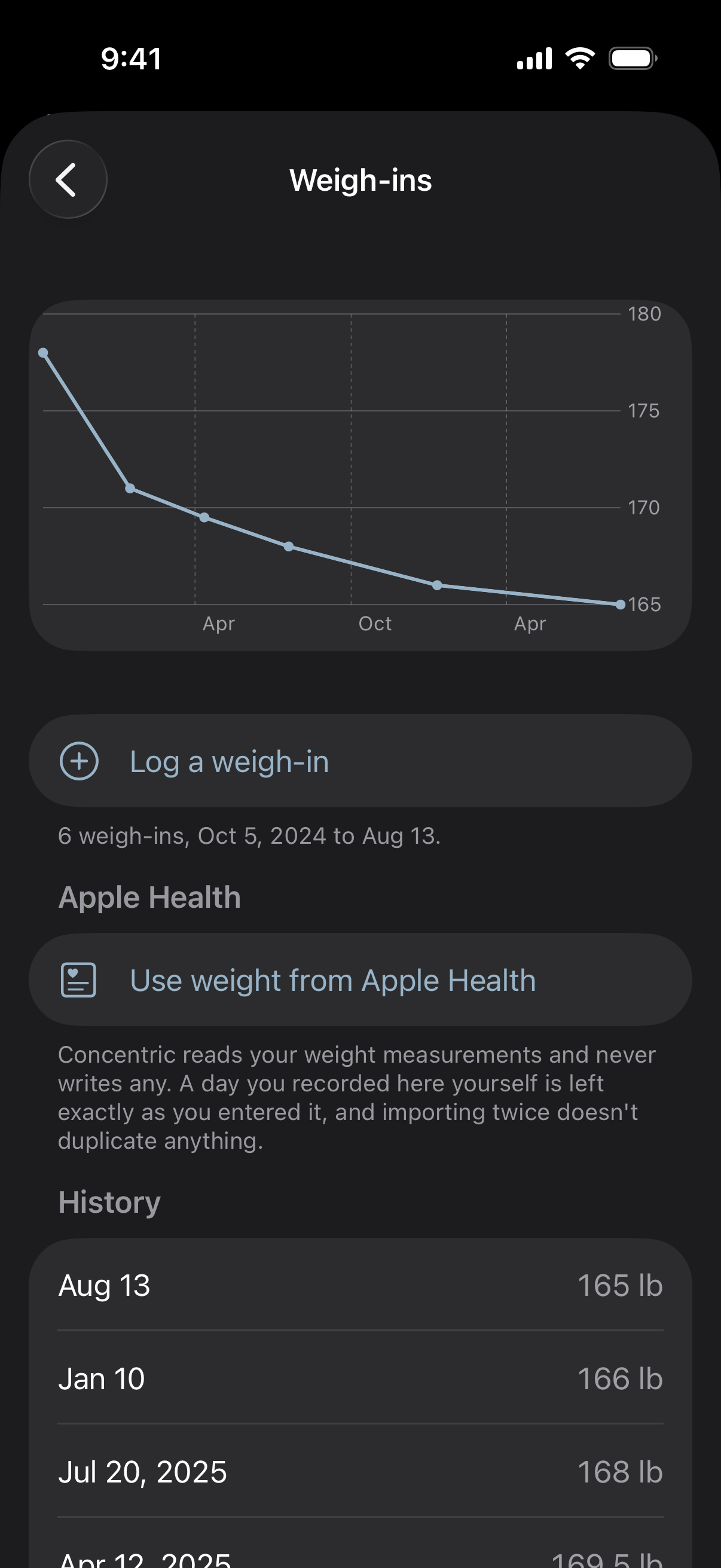
Weigh-ins over time rather than one number that gets overwritten, and Apple Health can fill them in if your scale already writes there. Concentric reads your weight and your Watch workouts from Health; the only thing it ever writes back is a deletion.
It reads your log and proposes the week you already run
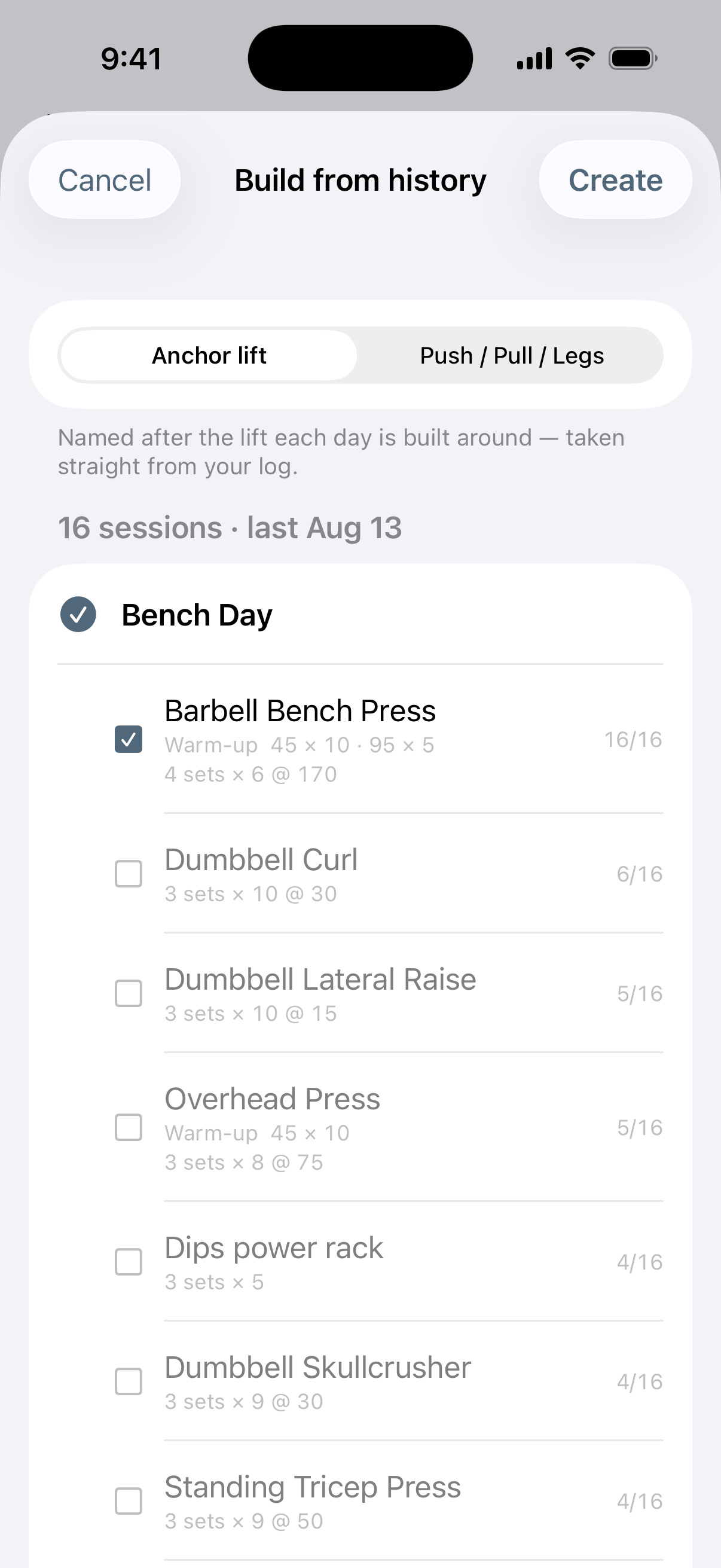
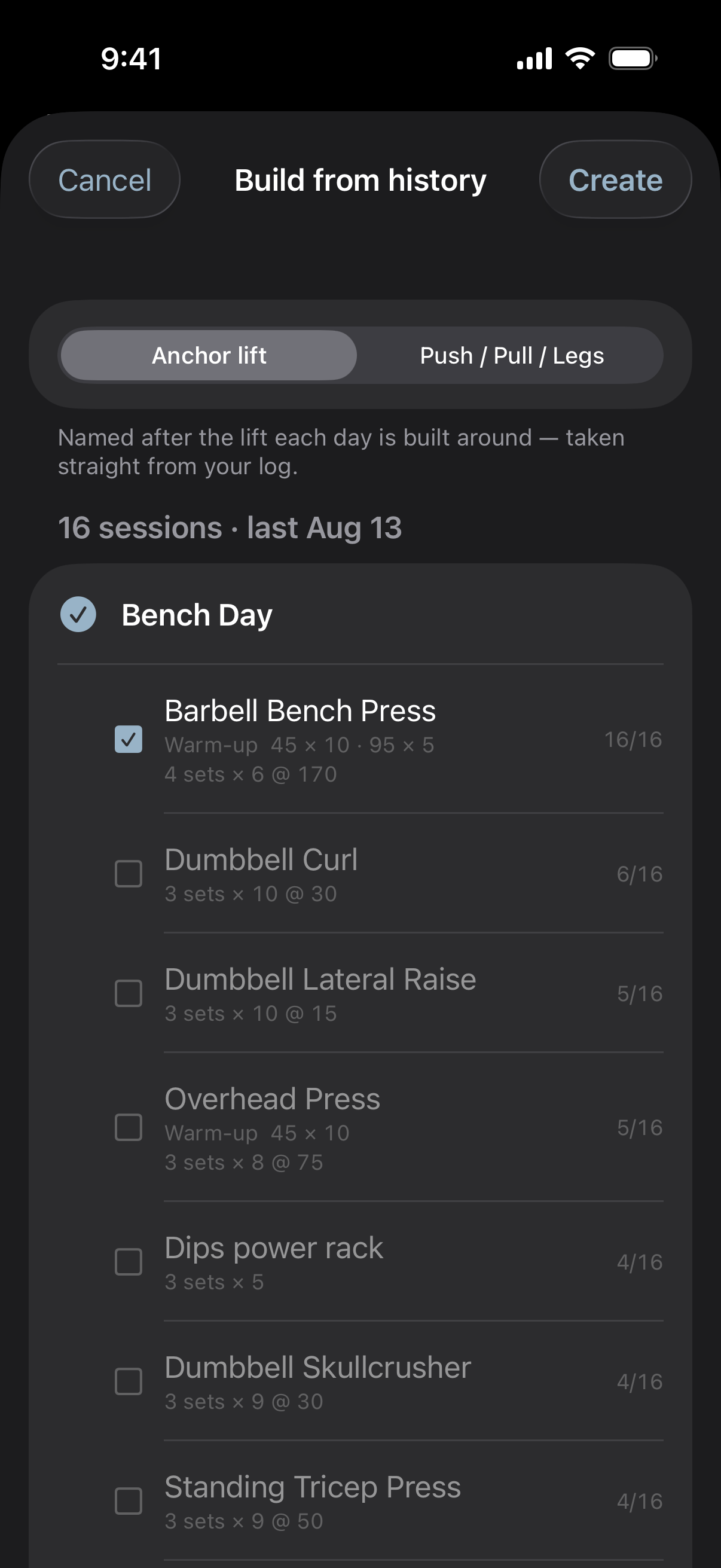
Rather than asking you to build routines from scratch, Concentric looks at what you have actually been doing and offers those days as templates. You confirm; it never creates them behind your back.
One movement, one name
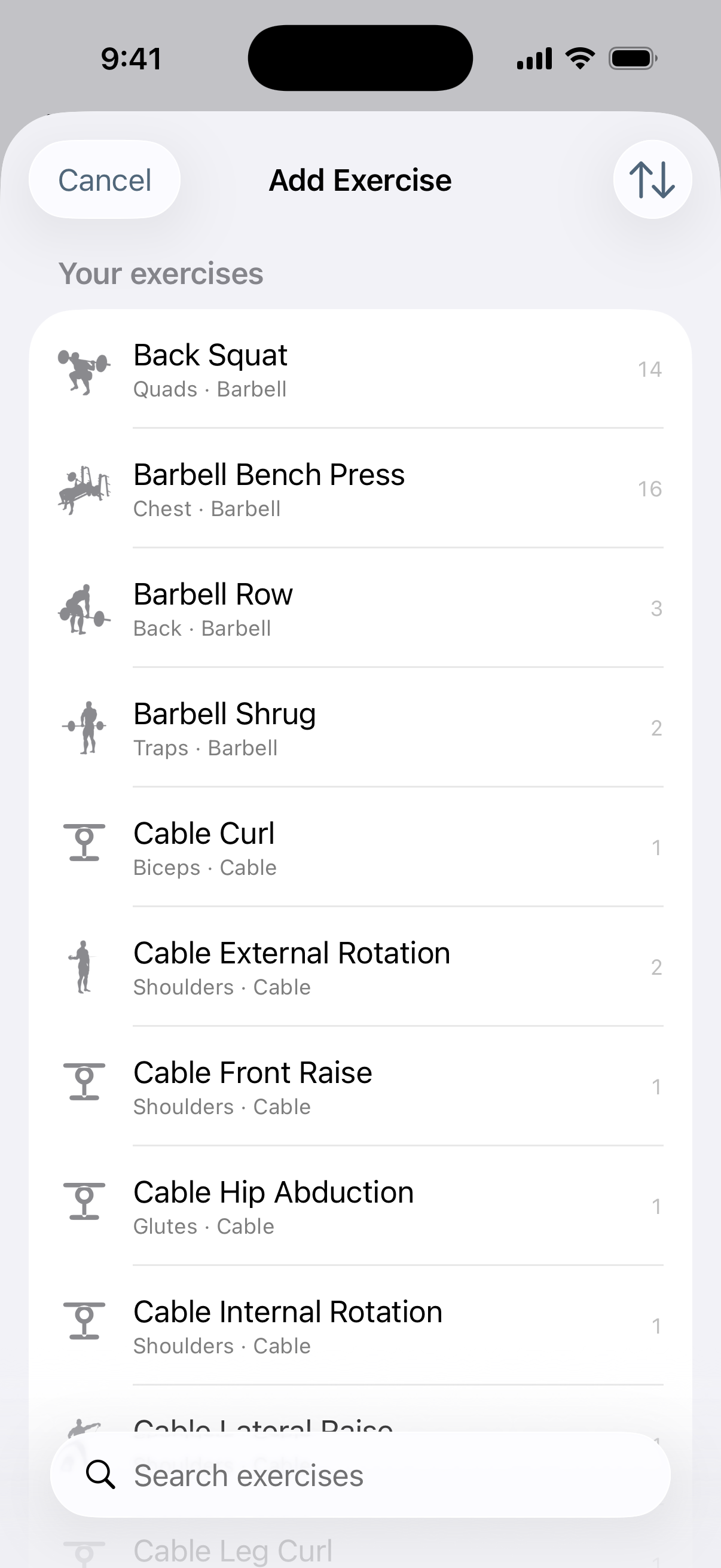
A library of common lifts with their own icons, plus anything you type. When the same movement ends up under two spellings, Concentric offers to merge them and keeps the old name as an alias, so re-importing the original spreadsheet does not split them again. Merging rewrites history, so it is always a question and never automatic.
See it against your own log.
Import the spreadsheet you are already keeping and every screen above fills with your training rather than with a demo account.
Get it on the App Store