iPhone · Apple Watch · Android · Wear OS · Web
A strength log that keeps everything.
Sets, reps, weight and progression over time. It works with no signal and without an account, and everything you log exports to a CSV that opens in any spreadsheet.
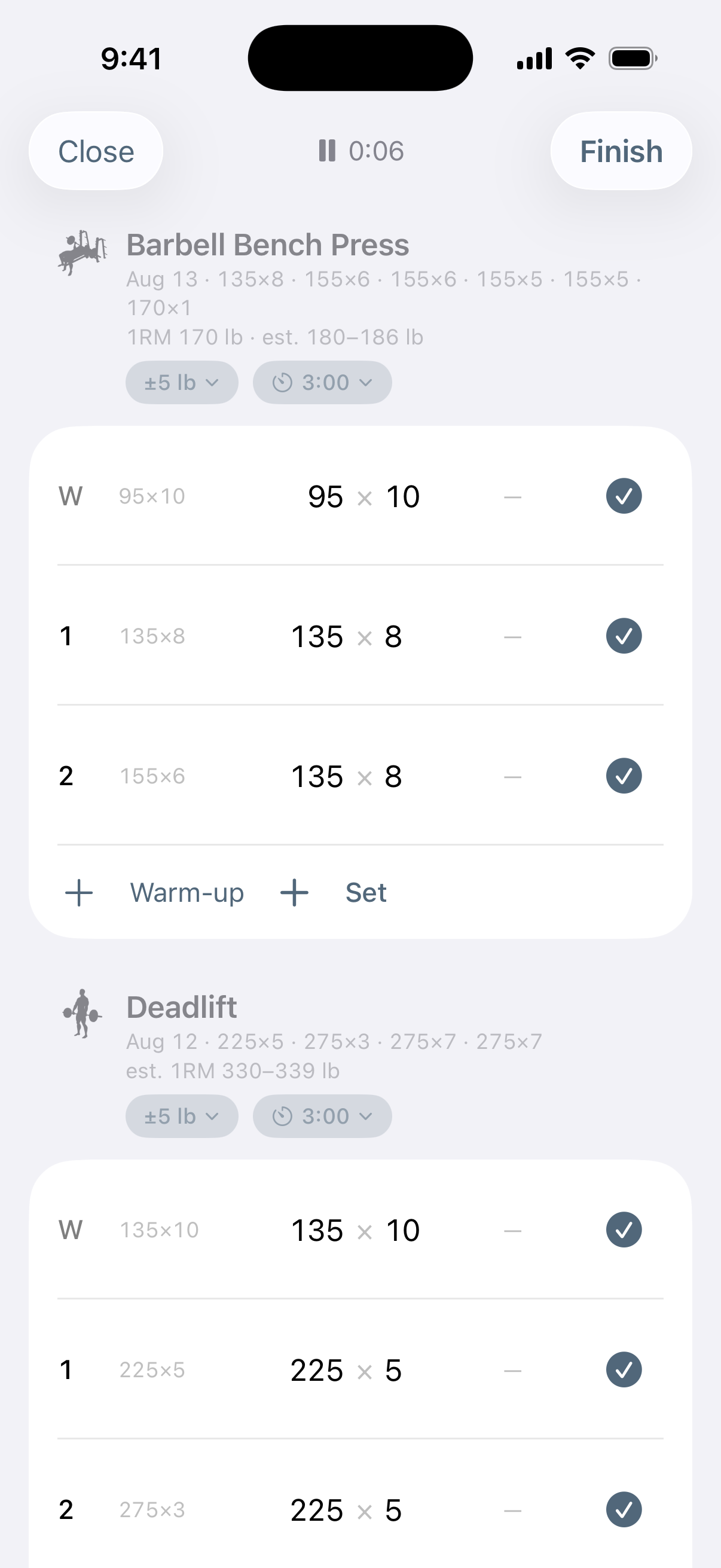
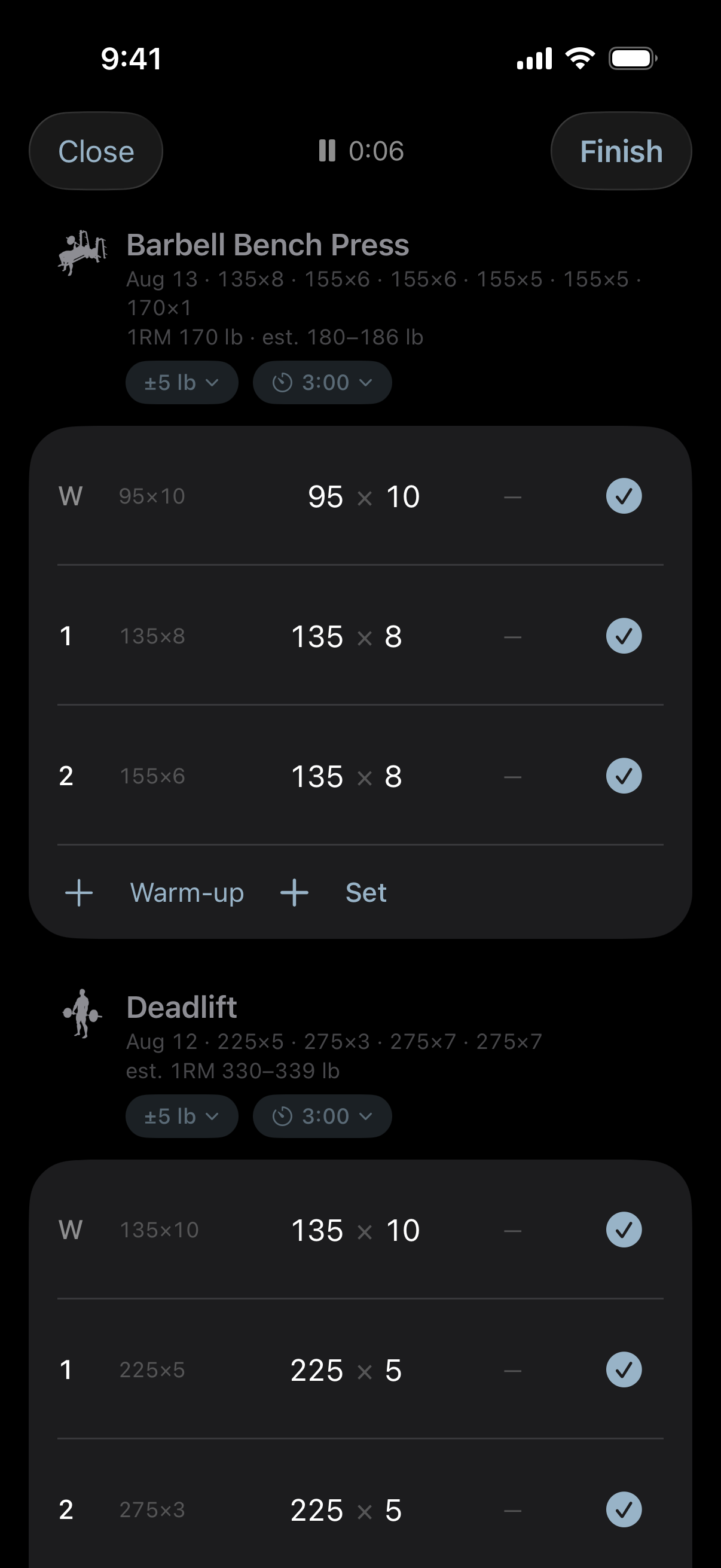
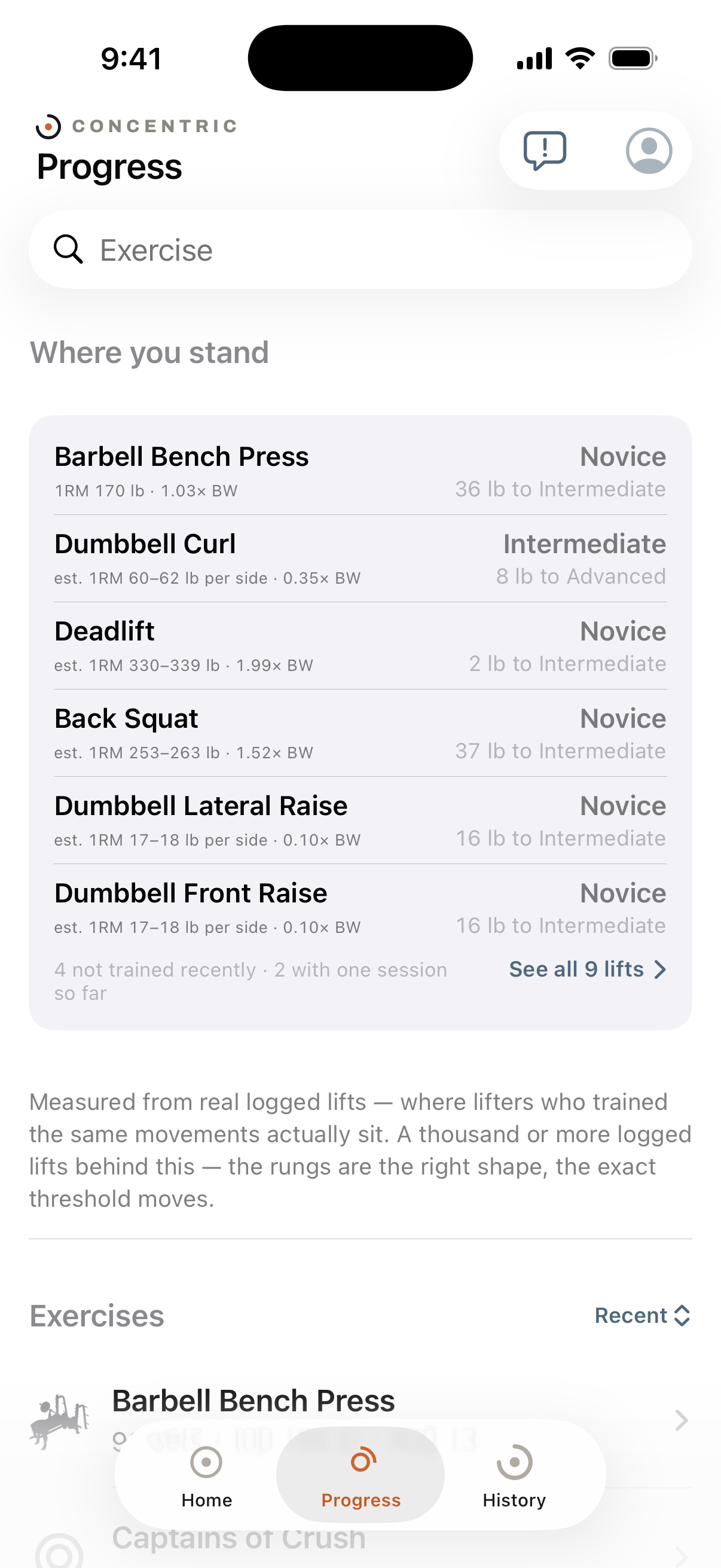
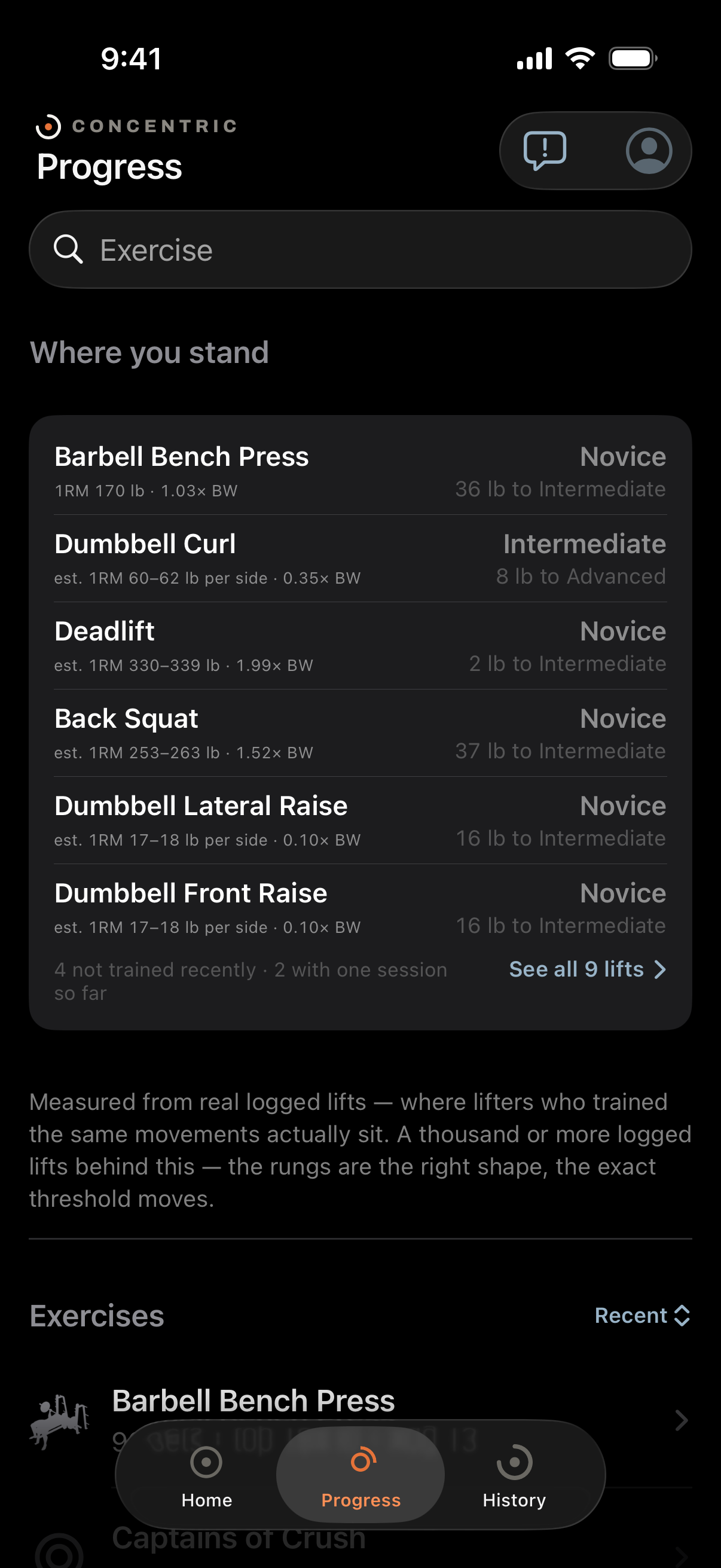
Nothing is held back for a paid tier, because there is no paid tier.
- No cap on routines
- No cut-off on history
- No limit on custom exercises
- No measurements behind a lock
- No demo
- No trial that ends
Concentric is free, has no adverts and has no in-app purchases. The App Store listing has an in-app purchase section and it is empty, which is the part you can check before you install anything.
A server outage can never cost you a session.
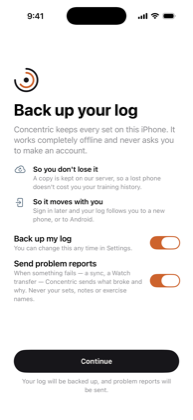
The database on your phone is the original, not a cache. Backup copies it somewhere else. If the server is down — and it is one machine, so sometimes it will be — you log the workout exactly as you would have, and it catches up later without being asked.
Signing in can never lose your log.
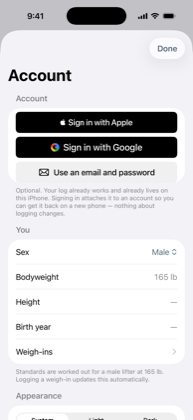
You do not need an account and are never asked for one. If you make one later, it adopts the history you already have rather than starting you again — so you can use Concentric for a year and decide about an account after, and nothing is lost either way.
Your gym has no signal and it does not matter.
Everything happens on the phone first: logging, the rest timer, the charts, your standings, the whole library. Nothing waits on a request. The Apple Watch app works the same way, and hands the session over when the two are next near each other.
Your log is a file, and the file is on your phone.
Concentric stores your training in a plain SQLite database with published SQL migrations — deliberately not a proprietary store that only this app can open. Export writes a CSV that any spreadsheet reads, and it is one tap in Settings rather than a support request.
If Concentric disappeared tomorrow you would still have every set you ever logged. That is a stronger promise than saying we will still be here, and unlike that one you can check it in ten seconds.
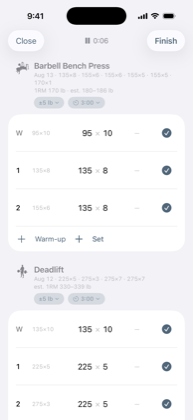
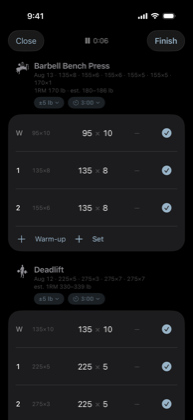
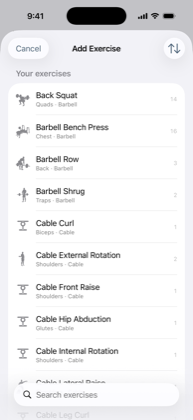
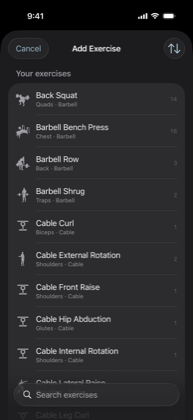
Every screen
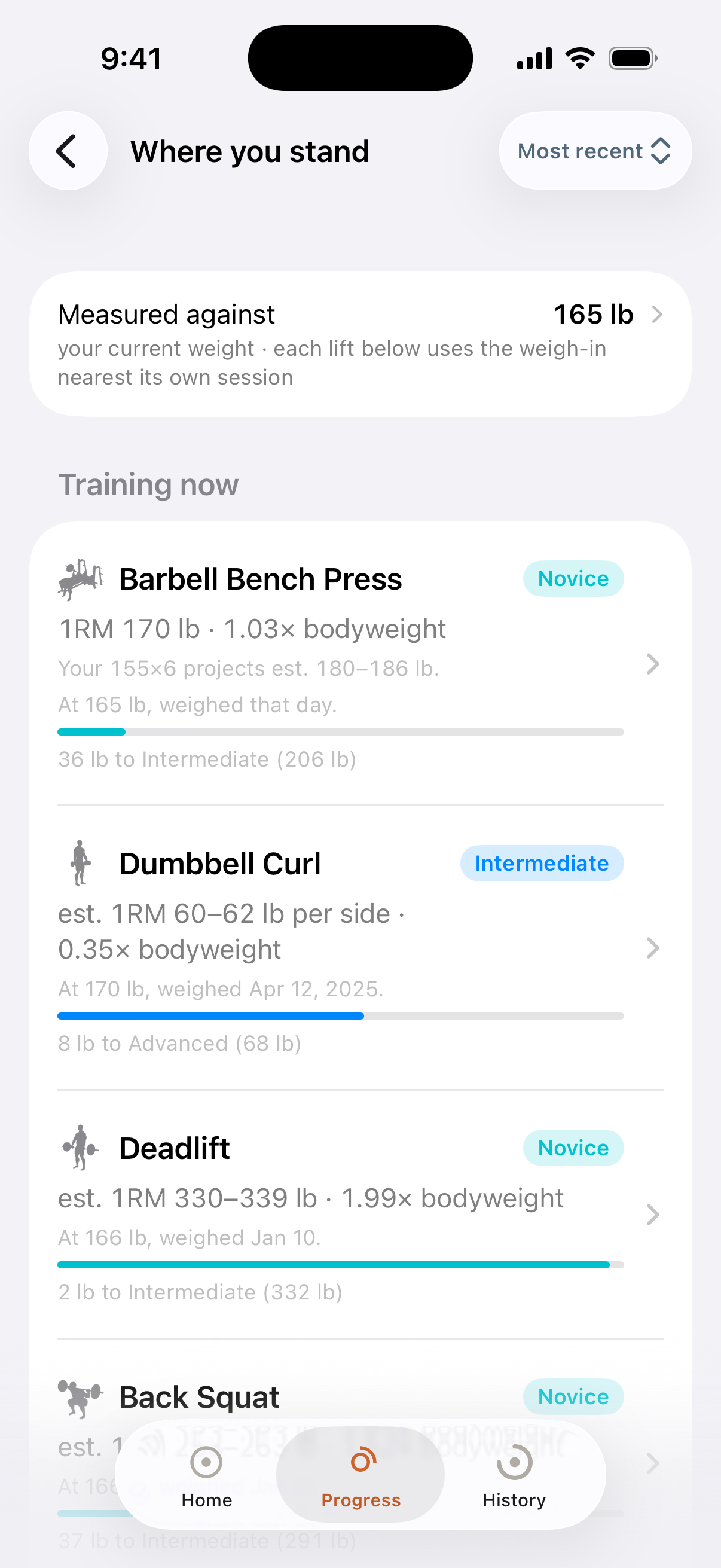
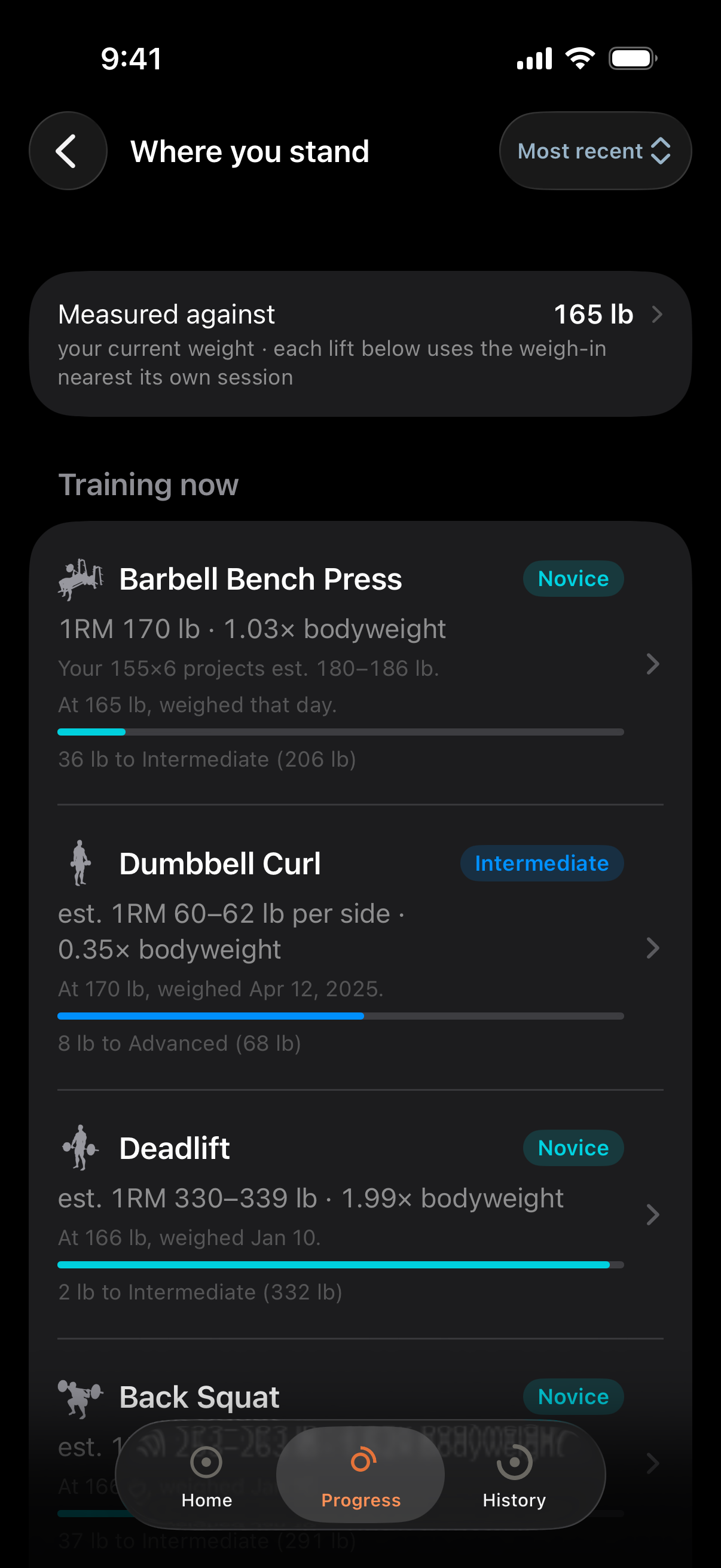
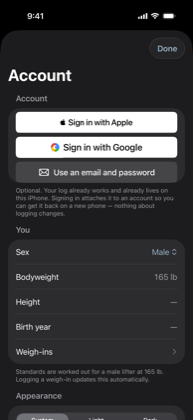
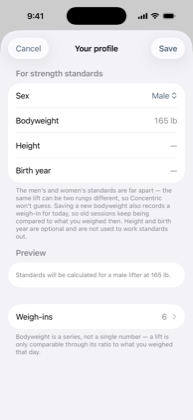
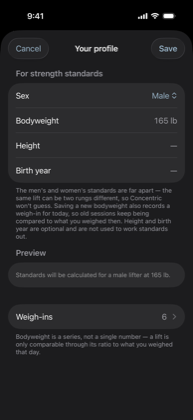
Captured against a real log — 82 sessions and 845 sets — in both appearances. Nothing here is a mockup.
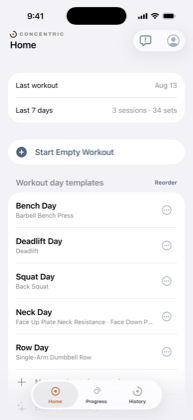
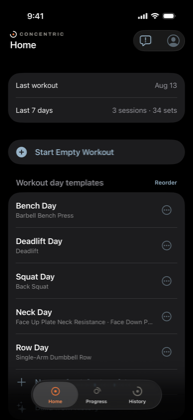
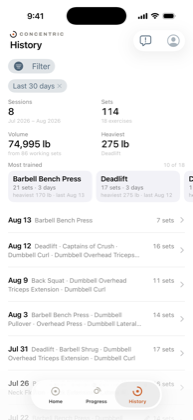
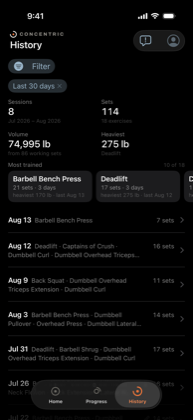
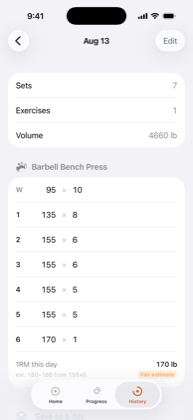
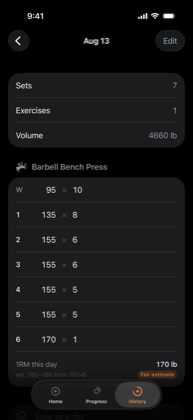
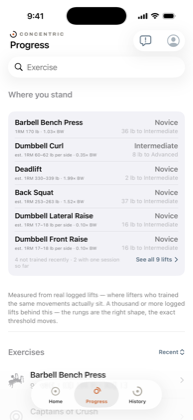
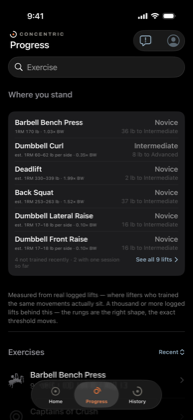
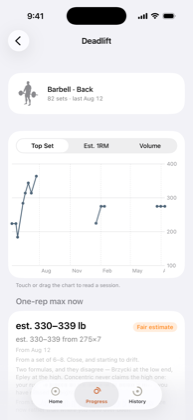
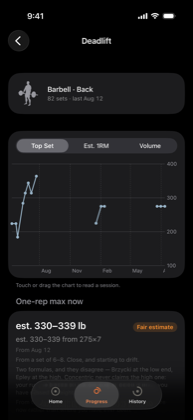
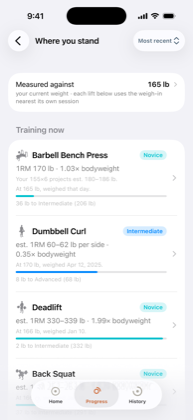
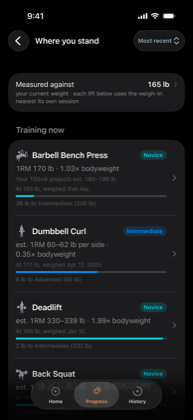
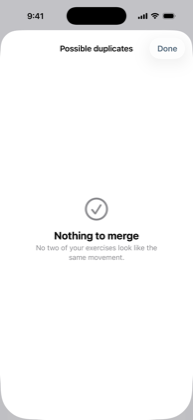
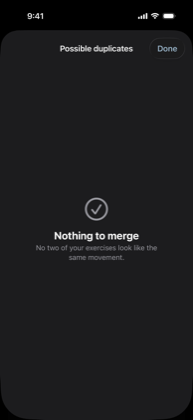
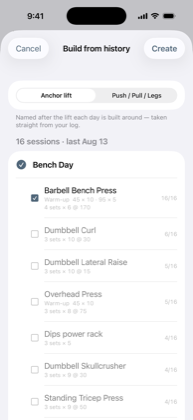
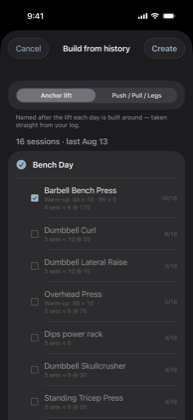
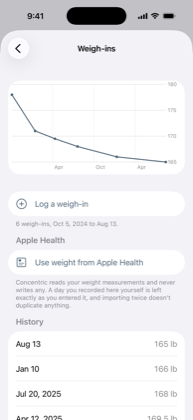
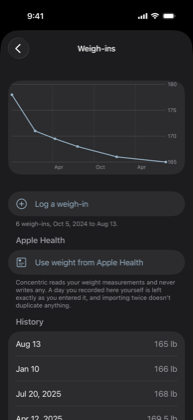
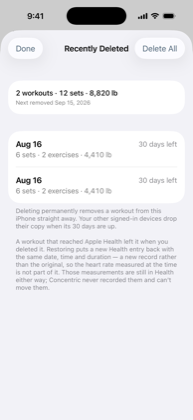
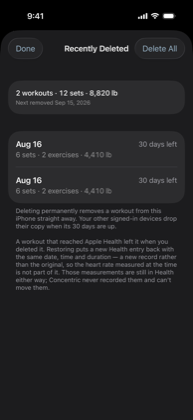
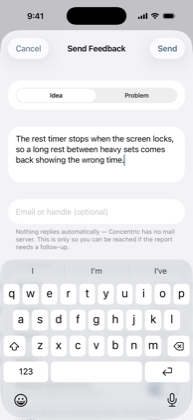
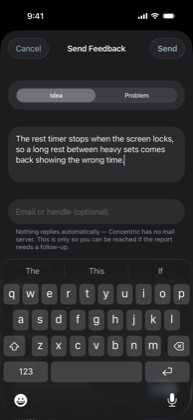
Why it is free, and what that means for whether it lasts.
Free normally means one of two things: adverts, or a tier you will eventually be moved onto. Neither is here. There is no advertising, no third-party analytics and nothing about your training is looked at or sold.
What pays for it is that there is nothing to pay for. Concentric is written by one person, funded by nobody, and syncs to a machine that was already bought and already running — so there is no cost to recoup and no investor who will one day want a return.
The fair objection is that a free app with no revenue is exactly the kind that gets abandoned. The answer is not a promise: it is that your log is a SQLite file and a CSV export, so an abandoned Concentric costs you an app rather than eight months of work.
Not a clone of anything.
Concentric is not a port, a re-skin or a rebuild of another app, and it is not by anyone who has ever charged you for one.
It was written against a real eight-month training log — a spreadsheet with drifted exercise names, weights that were not always numbers, and three different conventions for what a per-side weight meant. The acceptance test is that importing that spreadsheet and exporting it again reproduces every row exactly, inconsistencies included. That is a stranger thing to build than a clone would be, and it is why the import does not quietly tidy your data on the way in.
There is a web version too
Log a set, review history and read your progress charts from any browser — the same log, the same numbers. A change on your phone shows up in the tab in about a second, and a change in the tab reaches your phone the same way.
The one difference is the account. Your phone keeps your log on the phone, so it needs nothing to sign in to. A browser holds none of it and reads everything back from the server, so the server has to be told which log is yours — which means the web version does need an account, and the phone still does not.
Start logging without making an account.
Install it, answer one question about backup, and log a set. Nothing else is required and nothing is asked for later.